
How do I check my store credit balance?Updated 25 days ago
You can check your available store credit directly from your By Invite Only account.
- Log in to your By Invite Only account using the email address linked to your store credit.
- Once logged in, look at the top-right corner of the page, near your profile icon.
- Your available Store Credit balance will be displayed there.
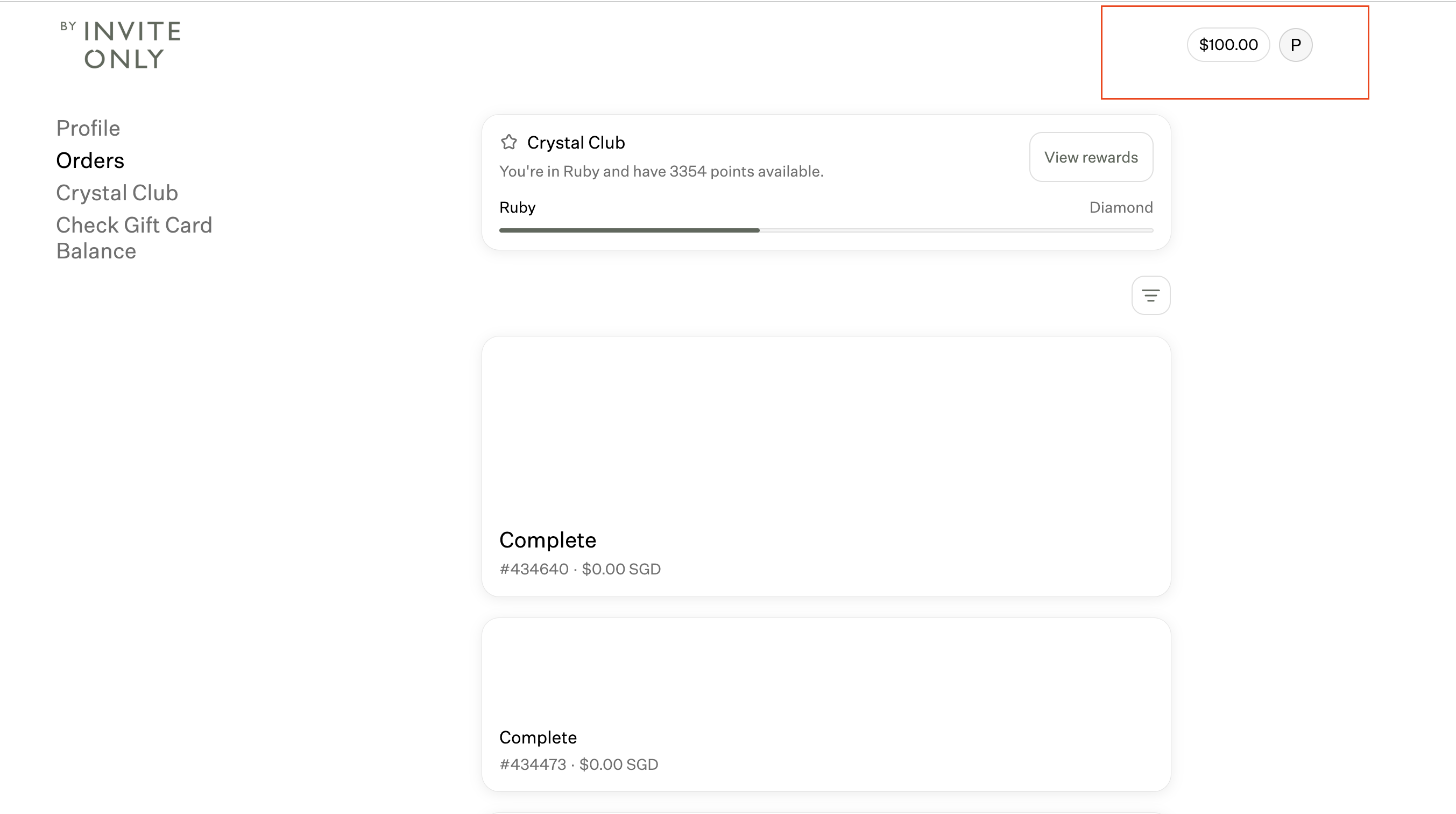
- If you click on the Store credit, you will be able to see the date when was the store credits were issued.
.png)
Please note: If you do not see your store credit, make sure you are logged in using the same email address associated with the credit.